
AI Face Rating
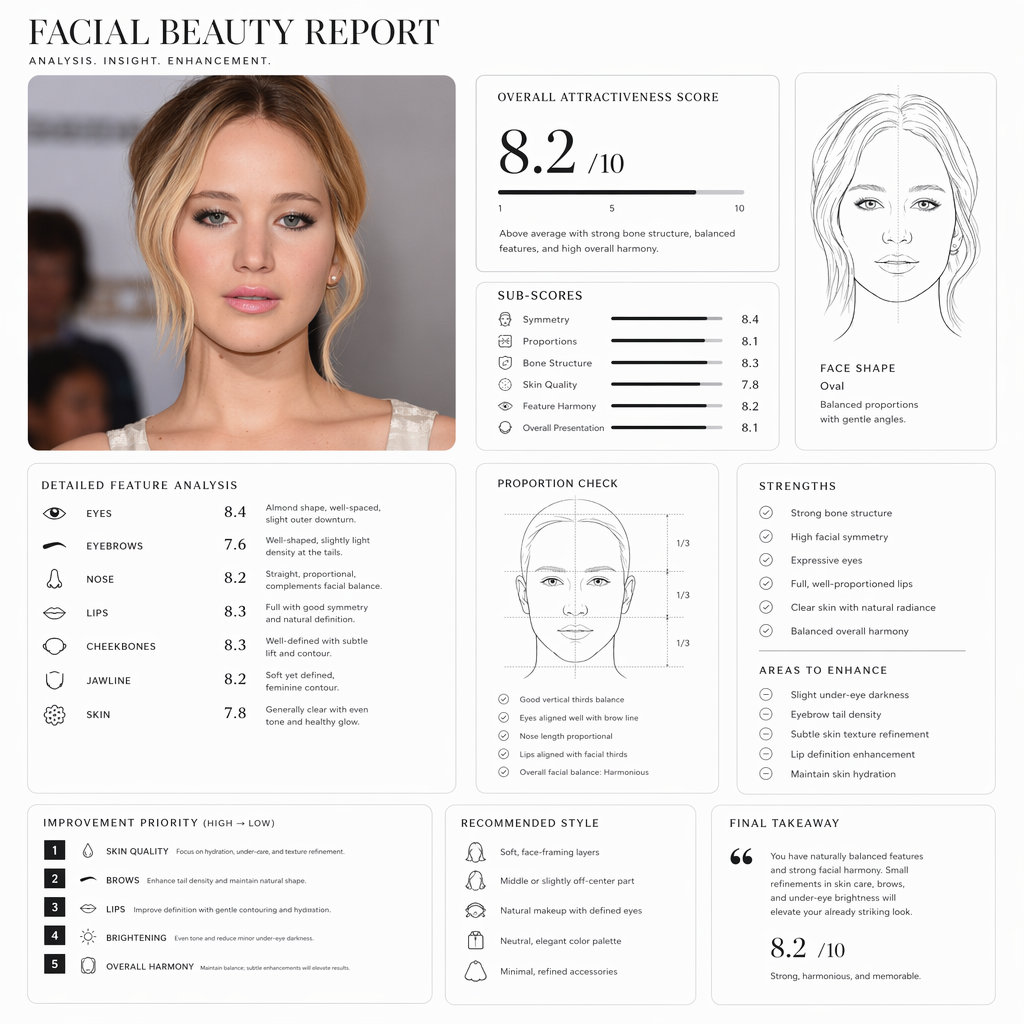
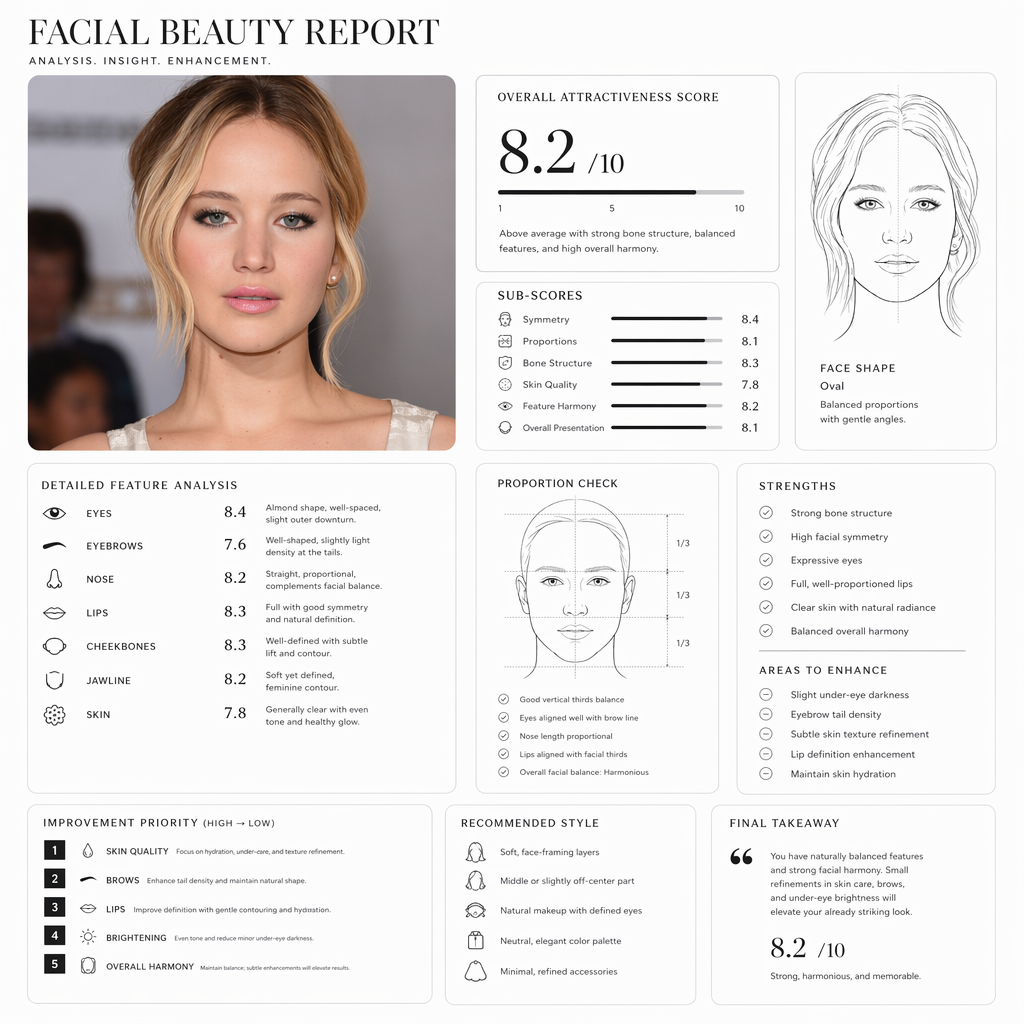
Turn a portrait into a structured rating report focused on visible symmetry, facial balance, feature spacing, and how the photo itself affects camera presence.
Upload a portrait and use pretty scale to generate a structured face rating report with face shape, proportions, skin presentation, and image suggestions.
Choose language, aspect ratio, resolution, and quality. The page generates a refined black-and-white report with line art, a 1-10 style score, and concise suggestions.
Clear, front-facing portraits with even light are better for analyzing face shape, feature spacing, skin condition, and jawline.
A good face rating should not only give a number. Pretty scale turns a portrait into a structured visual report explaining how symmetry, proportions, bone structure, skin presentation, photo quality, and grooming affect overall impression.
Turn a portrait into a structured rating report focused on visible symmetry, facial balance, feature spacing, and how the photo itself affects camera presence.
A useful rating should not only give a number. The report separates proportions, bone structure, skin presentation, and overall impression so the result is easier to understand.
Review the basis behind a pretty scale 1-10 style score, such as jawline, cheekbone support, chin shape, forehead ratio, and facial thirds.
Get practical suggestions about hairstyle, brows, facial hair, skincare, restrained makeup, grooming habits, and photo lighting.
Many users do not want empty compliments; they want to know what already works, what weakens camera presence, and whether hairstyle, brows, skincare, makeup, or lighting should be improved first.
When you do not want random comments only, pretty scale can provide a calmer reference before changing hairstyle, brows, skincare, facial hair, or makeup.
Test before and after an image refresh to compare whether the new look improves facial balance, cleanliness, and camera presence.
Structured face analysis can explain why some photos work better as social avatars, dating profile photos, or personal brand images.
If a pretty scale filter feels overly retouched, upload an unfiltered portrait to see how real light, angle, and grooming affect the result.
The report helps judge whether skin clarity, brows, hairstyle, facial hair boundary, posture, or lighting is the first thing worth improving.
Creators can adjust styling direction before shooting avatars, portraits, thumbnails, or social content.
Upload a portrait, choose language and image settings, then generate a refined black-and-white report without writing prompts or configuring a model manually.
Use a front-facing or slightly angled photo with eyes, brows, nose, lips, jawline, and hairline clearly visible. Even light makes analysis more stable.
Choose language, aspect ratio, resolution, and quality. The page handles the analysis prompt and model settings automatically.
Get a refined black-and-white report image with contour lines, score cards, strengths, improvement points, and image grooming suggestions.
Generated images can cover symmetry, proportions, bone structure, skin presentation, facial harmony, overall score, and practical suggestions for daily grooming and photography.
Try pretty scaleObserve visible left-right facial balance, including eyes, brows, nose, lips, and the central axis.
Analyze facial thirds, length-width relationship, and feature spacing to judge whether the face feels compact, long, soft, sharp, or balanced.
Focus on jawline, chin, cheekbone support, forehead structure, and the overall structural feel of the face.
Summarize skin clarity, texture, grooming, expression control, styling, and photo quality into a concise score summary.
Answers to common questions when comparing AI face analysis, attractiveness score, beauty calculator, and 1-10 reports.
Pretty scale is an entertainment-oriented portrait visual rating style. This tool turns a photo into a report image with contour lines, itemized notes, a 1-10 style score, and image suggestions.
Upload a clear portrait and generate a visual report with contour lines, score cards, and image suggestions.
Here are the three latest tools besides the current one. Click a card to open it directly.
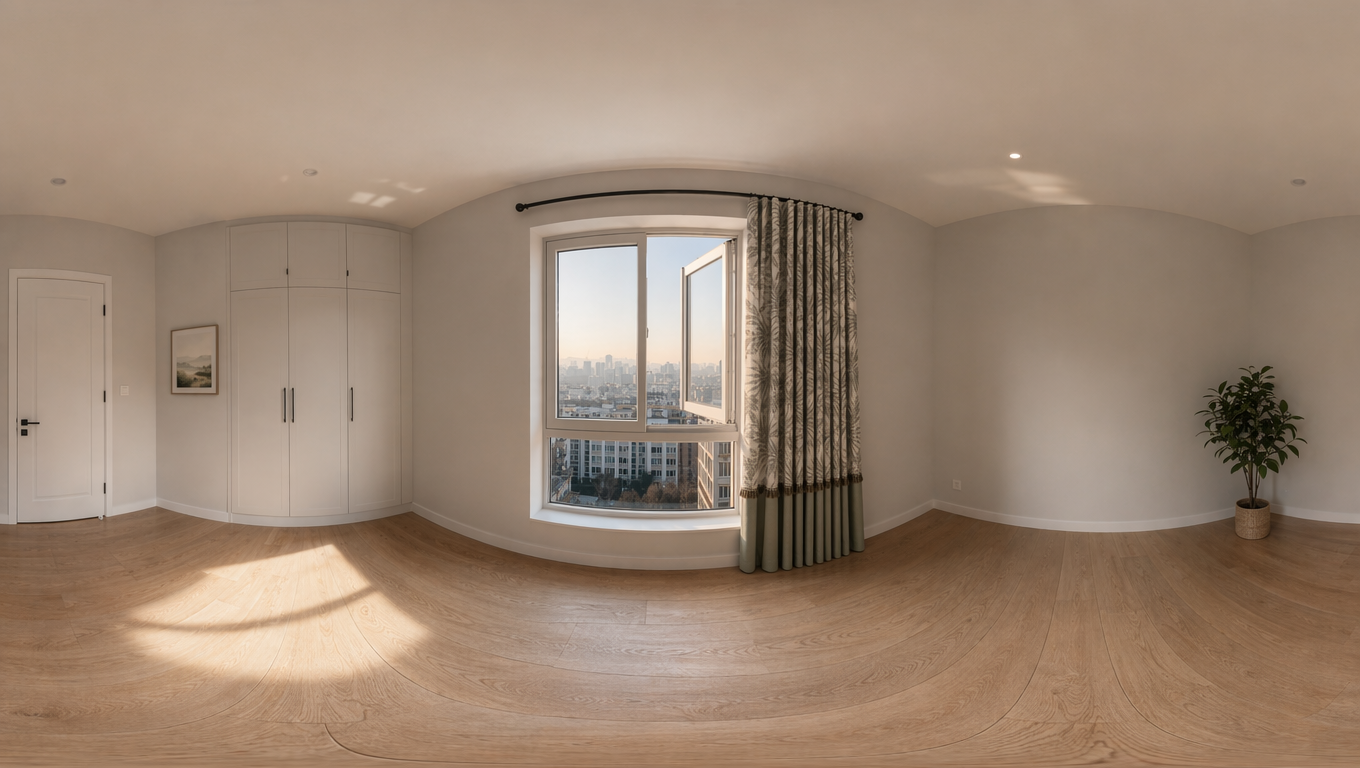
Upload an image to create a 16:9 360 World panorama, then inspect the result with an interactive viewer.
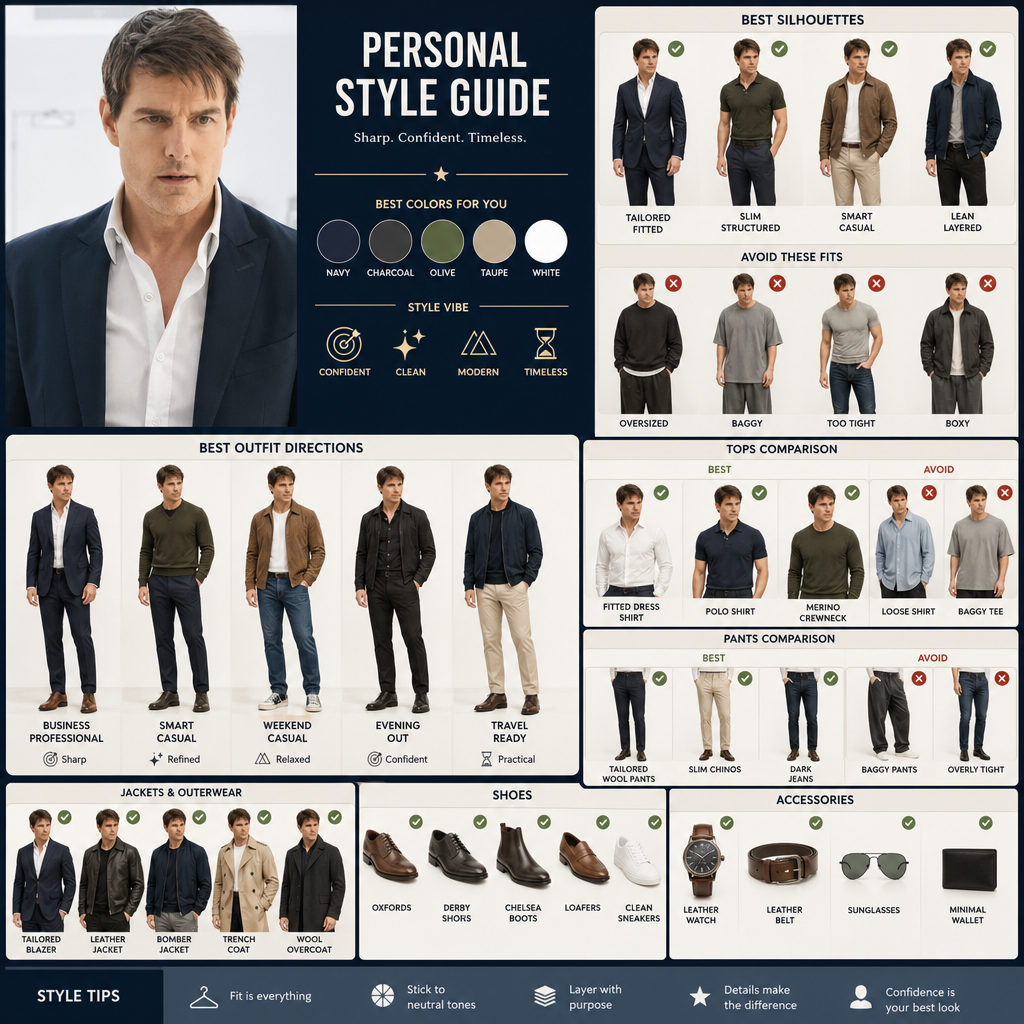
Upload a portrait, compare clothing silhouettes and styling directions, and find outfits that suit your proportions.
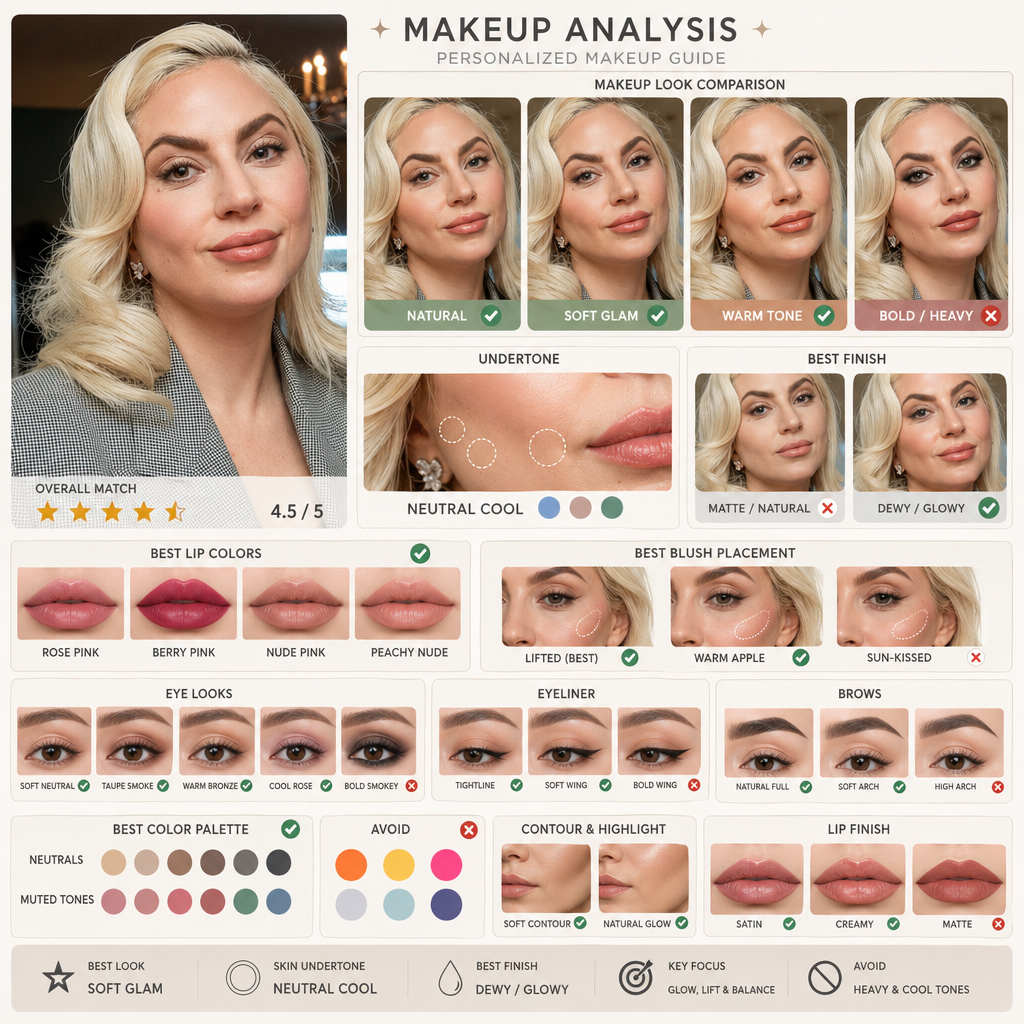
Upload a portrait, compare makeup directions and skin undertones with AI makeup, and find a look that fits you better.