
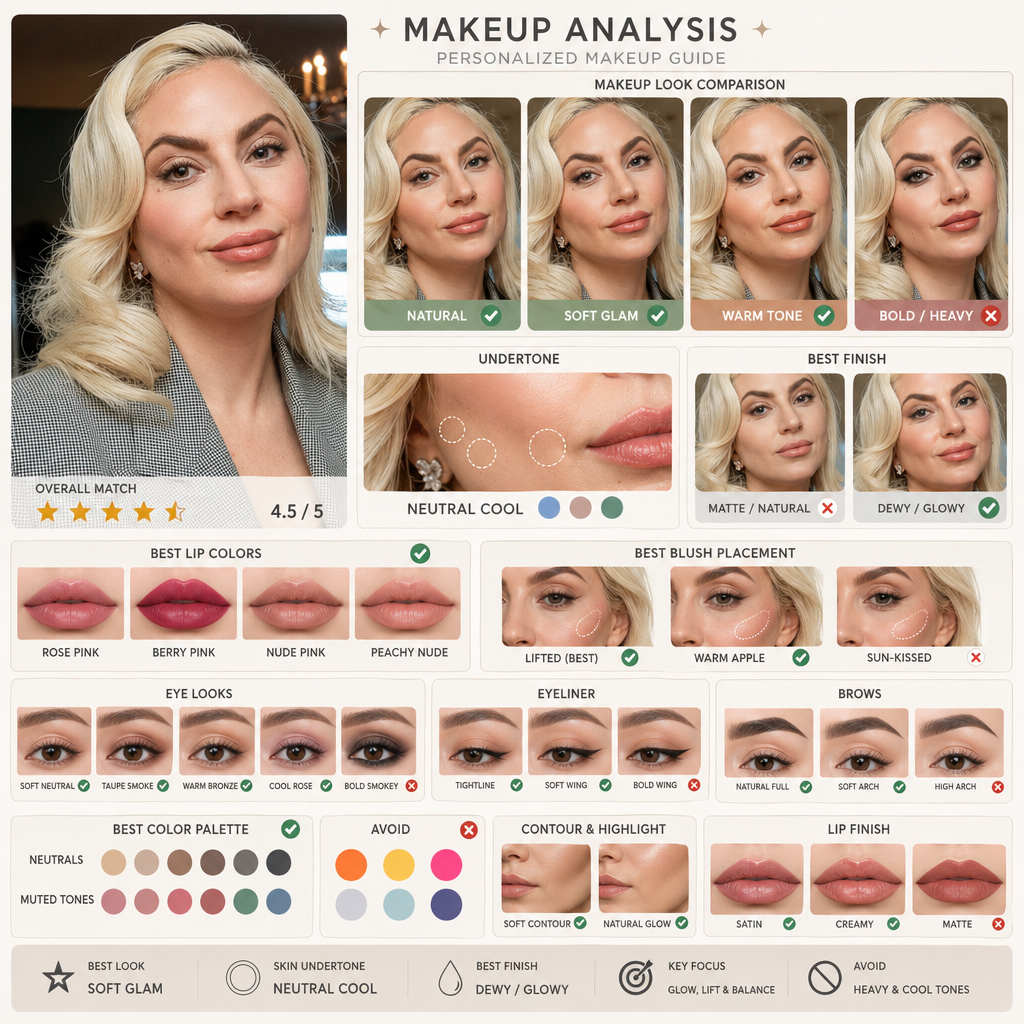
Skin Undertone Judgment
First judge whether the skin leans warm, cool, neutral, or olive, then compare lipstick, blush, contour, and base makeup directions.
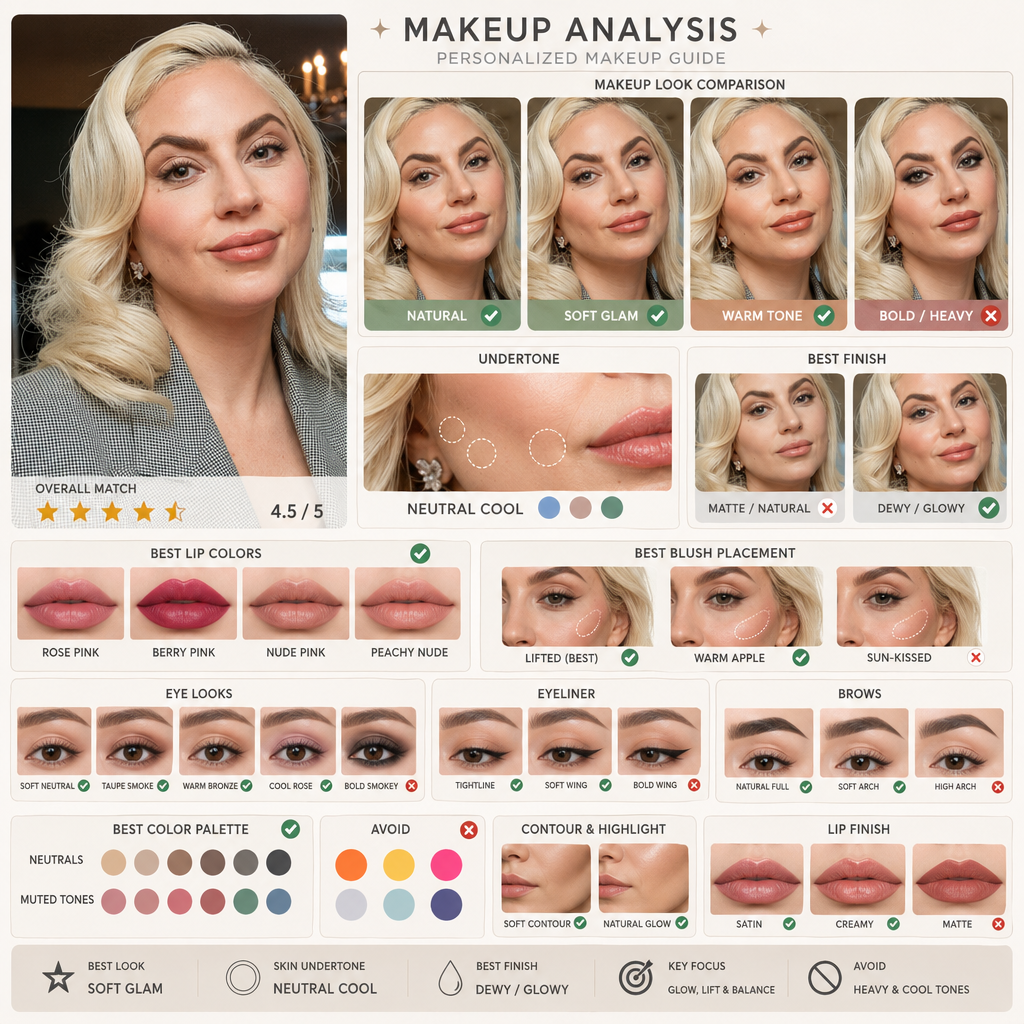
Upload a portrait and use AI makeup to generate a makeup analysis image comparing natural makeup, soft glam, cool and warm tones, base makeup texture, and lip and cheek color directions.
Choose language, aspect ratio, resolution, and quality. The tool outputs a visual-first AI makeup guide with short labels instead of long paragraphs.
Portraits with clear skin tone and even lighting are better for judging undertone and makeup direction.
A useful AI makeup tool should not only give you a vague suggestion. This page turns a portrait into a visual comparison image showing skin undertone, makeup texture, eye makeup, and lip and cheek color directions.
First judge whether the skin leans warm, cool, neutral, or olive, then compare lipstick, blush, contour, and base makeup directions.
Organize natural makeup, soft glam, warm tones, cool tones, matte finish, and glow finish into one visual comparison image.
Judge what suits the facial features better through brow shape, eyeliner intensity, blush placement, lip depth, and base makeup texture.
Results focus on short labels and comparison cards instead of long explanations, making them faster to scan.
Many people want to know more than whether one lipstick color looks good. They want to know whether warm or cool tones fit better, whether makeup should be lighter or heavier, whether base makeup should be matte or glowing, and whether the overall look works with their features.
Judge suitable lipstick, blush, and base color families first to reduce blind purchases and bad matches.
Compare whether a more natural base, lighter brows, or softer eyeliner suits you better.
Compare natural makeup, soft glam, or a more present look to judge which fits your facial expression better.
Use the generated result as a concise reference image to confirm colors, finish, and key areas with a makeup artist.
Check which base glow, eye makeup intensity, and lip color direction looks better on camera.
Structured comparison makes it easier to see which makeup direction feels more harmonious than relying only on instinct.
Upload one portrait, choose language and image settings, then generate a makeup analysis image directly without writing a prompt or designing a layout.
Use a portrait with natural skin tone and even lighting, with eyes, brows, lips, and overall skin tone clearly visible.
Choose language, aspect ratio, resolution, and quality without writing a prompt or designing a layout yourself.
Get a makeup analysis result centered on comparison panels, including undertone judgment and the most suitable makeup direction.
Generated results can cover undertones, base makeup texture, brow and eye emphasis, blush and lip color direction, and the overall most suitable makeup route.
Start AI makeupJudge whether skin leans warm, cool, neutral, or olive, which directly affects overall color choices.
Compare matte, soft-focus, or glowing base makeup, plus whether concealer and highlight intensity feel balanced.
Analyze eyeliner intensity, eyeshadow contrast, and brow structure to judge how much feature emphasis is needed.
Compare whether warmer, cooler, lighter, deeper, or softer blush and lip colors suit you better.
Answers about undertone judgment, makeup comparison, camera-ready looks, and visual makeup suggestions.
It is an AI makeup visual analysis tool. After you upload a portrait, it generates a makeup comparison image covering skin undertone, base texture, eye makeup, brows, blush, and lip color directions.
Upload a clear portrait and generate an AI makeup analysis image with undertone labels, comparison cards, and short-label suggestions.
Here are the three latest tools besides the current one. Click a card to open it directly.
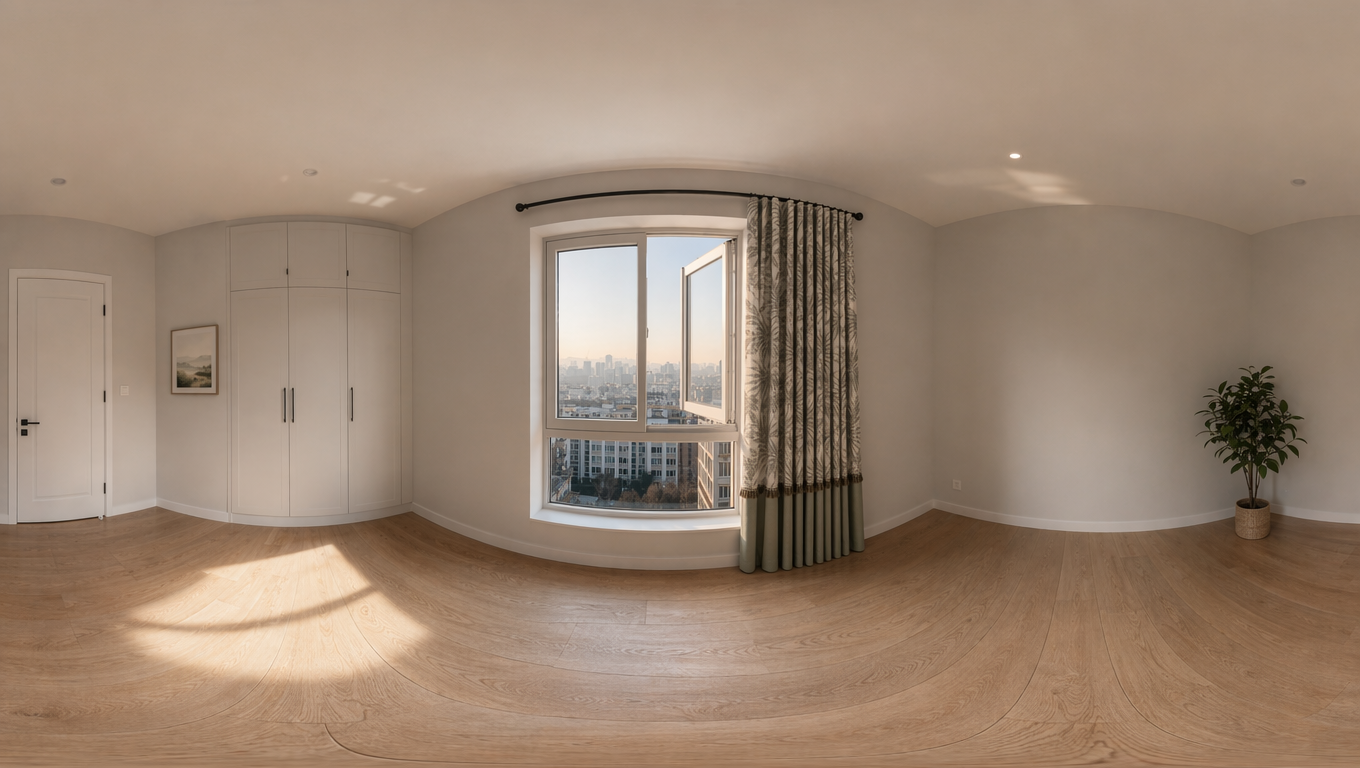
Upload an image to create a 16:9 360 World panorama, then inspect the result with an interactive viewer.
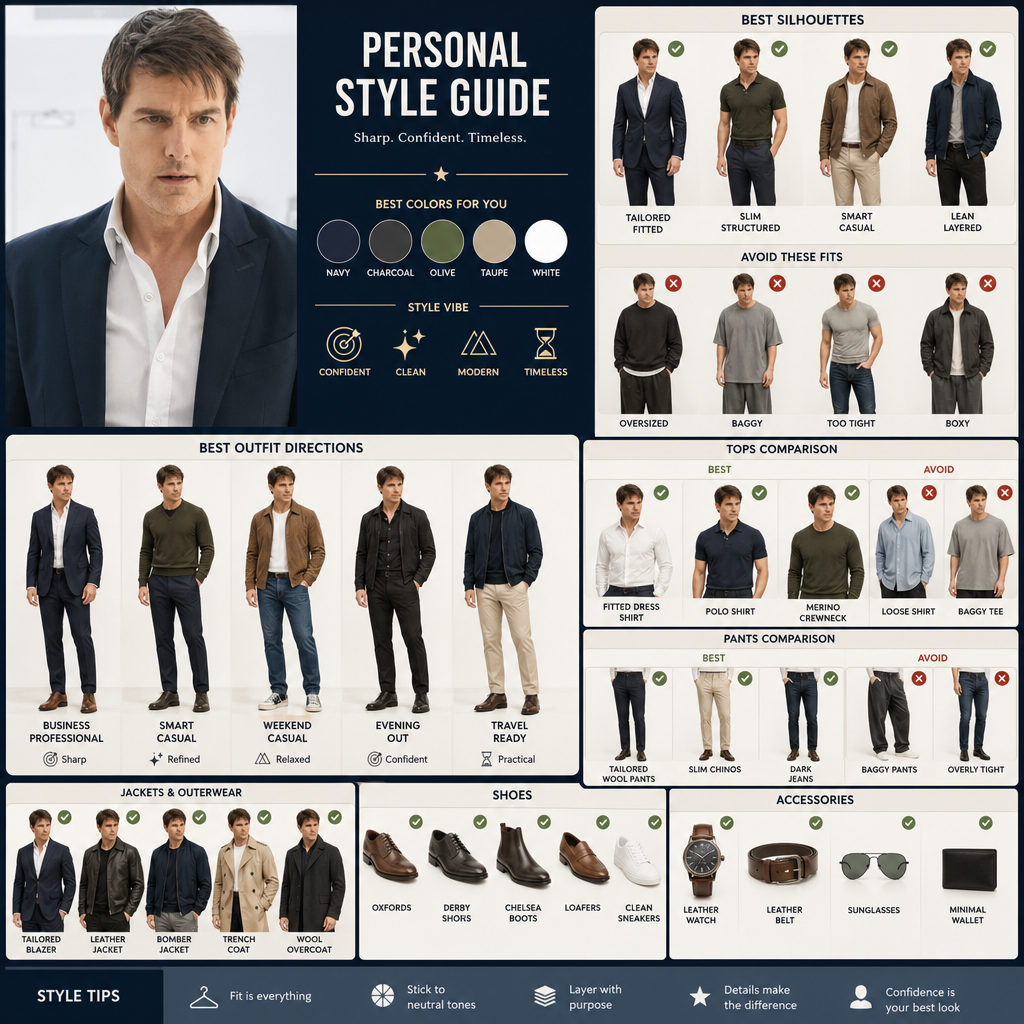
Upload a portrait, compare clothing silhouettes and styling directions, and find outfits that suit your proportions.
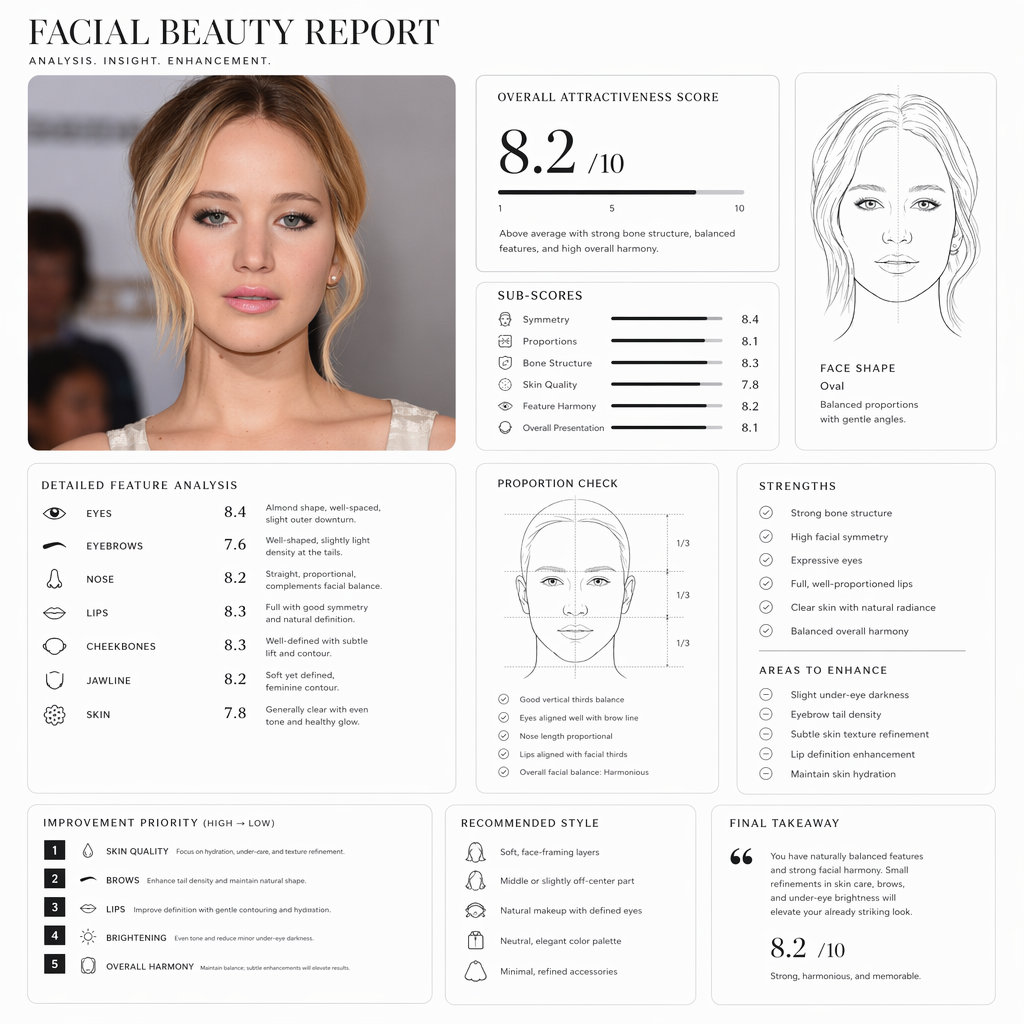
Upload a portrait and generate a Pretty Scale face rating report with proportions, face shape, and image suggestions.