Palm Lines
Review the life line, heart line, head line, fate line, and other fine palm lines visible in the photo more clearly.
Upload a palm photo and generate a clear palm reading result with major palm lines, clean line art, and interpretation text in your selected language.
Choose resolution, aspect ratio, quality, and output language. This page handles the Palm Reading generation flow without requiring you to write a prompt or choose a model.
View visual examples close to report, chart, and info-card styles to understand what palm reading results can look like.
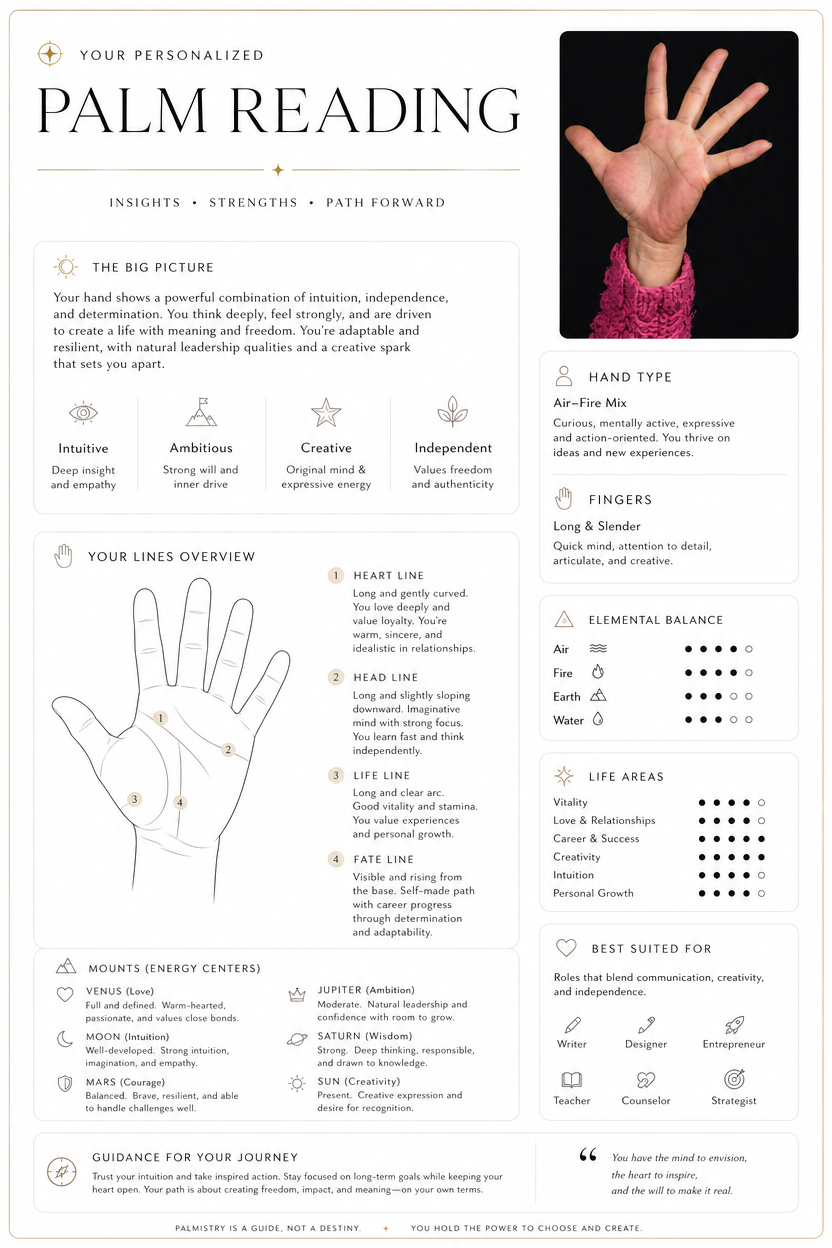
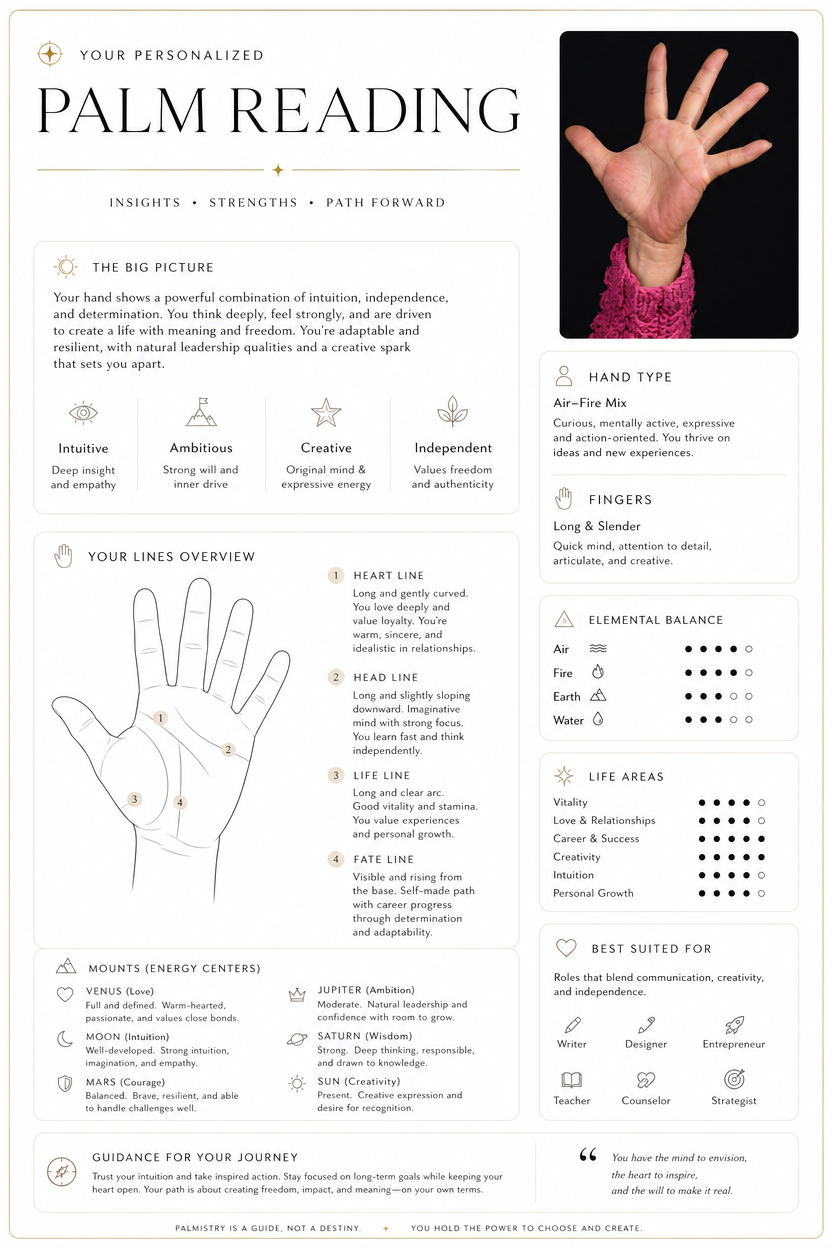
Use this palm reading tool to turn a palm photo into a clear visual interpretation. The result focuses on the life line, heart line, head line, marriage line, and chart-style labels, making it easier to read than a traditional palm reading chart.
Review the life line, heart line, head line, fate line, and other fine palm lines visible in the photo more clearly.
Turn a palm into a few short sections without manually comparing it against a complex palm reading chart.
Generate a palm chart with labels, rounded cards, and black-and-white palm-line drawings so the main line meanings are easier to read.
Upload a clear palm photo like using a palm reading scanner, choose a language, and generate a savable palm analysis image.
Many people use palm reading not for mystery, but to reflect on relationships, marriage, career, energy, timing, or self-understanding from another angle. This tool organizes those questions into one readable, savable, and shareable image.
Palm reading is often used to reflect on emotional patterns, trust, and long-term relationships. The heart line can be a gentle self-observation starting point.
When you care about the marriage line or marriage palm reading, the image can turn the question into a clearer and calmer visual interpretation.
When considering a new job, project, or direction, the fate line and head line can help reflect on focus, pace, and decision style.
The life line is often used to discuss energy, rhythm, and life transitions. A chart-style reading makes the line direction easier to understand.
A clean palm analysis image works for light entertainment with friends and can also be saved or shared on social platforms.
If you want to learn easy palm reading lines, a chart layout connects each main line with a short meaning.
This page is for people who want a quick palm reading result. Upload a palm photo, choose language and image settings, then generate a clean report-style visual result.
Use a photo with even light, the full palm visible, and fingers naturally spread so the main palm lines are easier to identify.
Choose resolution, aspect ratio, quality, and language. The tool hides technical details so you can focus on the result.
The result is presented with clean line art, labels, and short copy in your selected language as a savable image.
A good palm reading should first make the line positions clear, then explain the meanings. The generated result includes simple line art, labels, and short descriptions for each visible main line.
Start palm readingOften used to observe energy, stability, life rhythm, and major transitions. Visual line art makes the life line path clearer.
Often associated with emotional expression, intimacy, and relationship habits, and one of the first lines many people look at.
Usually used to observe thinking style, focus, stress handling, and decision-making habits.
Short lines on the side of the palm, often used to discuss emotional commitment, relationship rhythm, and long-term connection.
These answers cover palm lines, palm charts, palm reading scanner, life line, heart line, and marriage line.
Palm reading turns the major lines in a palm photo into an entertainment-oriented visual interpretation, including visible areas such as the life line, heart line, head line, fate line, and marriage line.
Upload a clear palm photo and generate a palm reading image with clean line art, rounded cards, and text in your selected language.
Here are the three latest tools besides the current one. Click a card to open it directly.
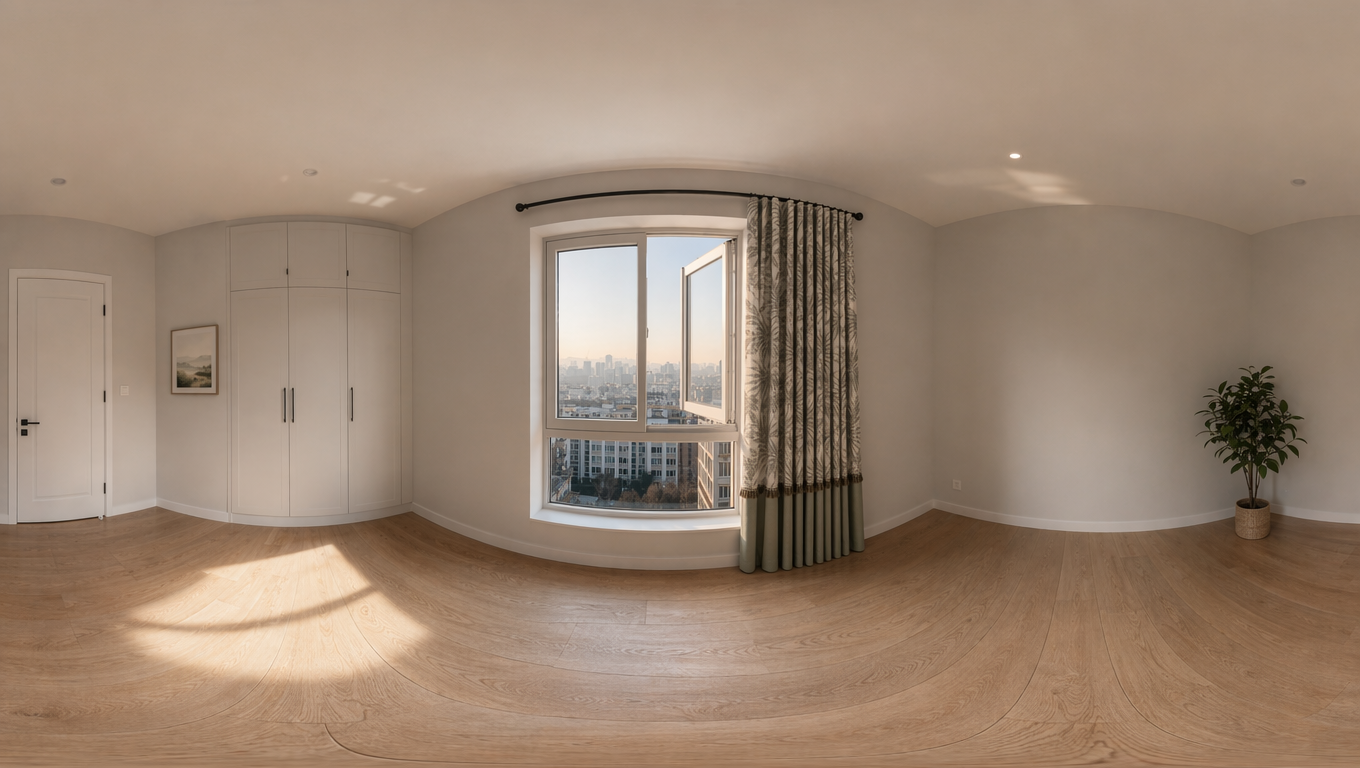
Upload an image to create a 16:9 360 World panorama, then inspect the result with an interactive viewer.
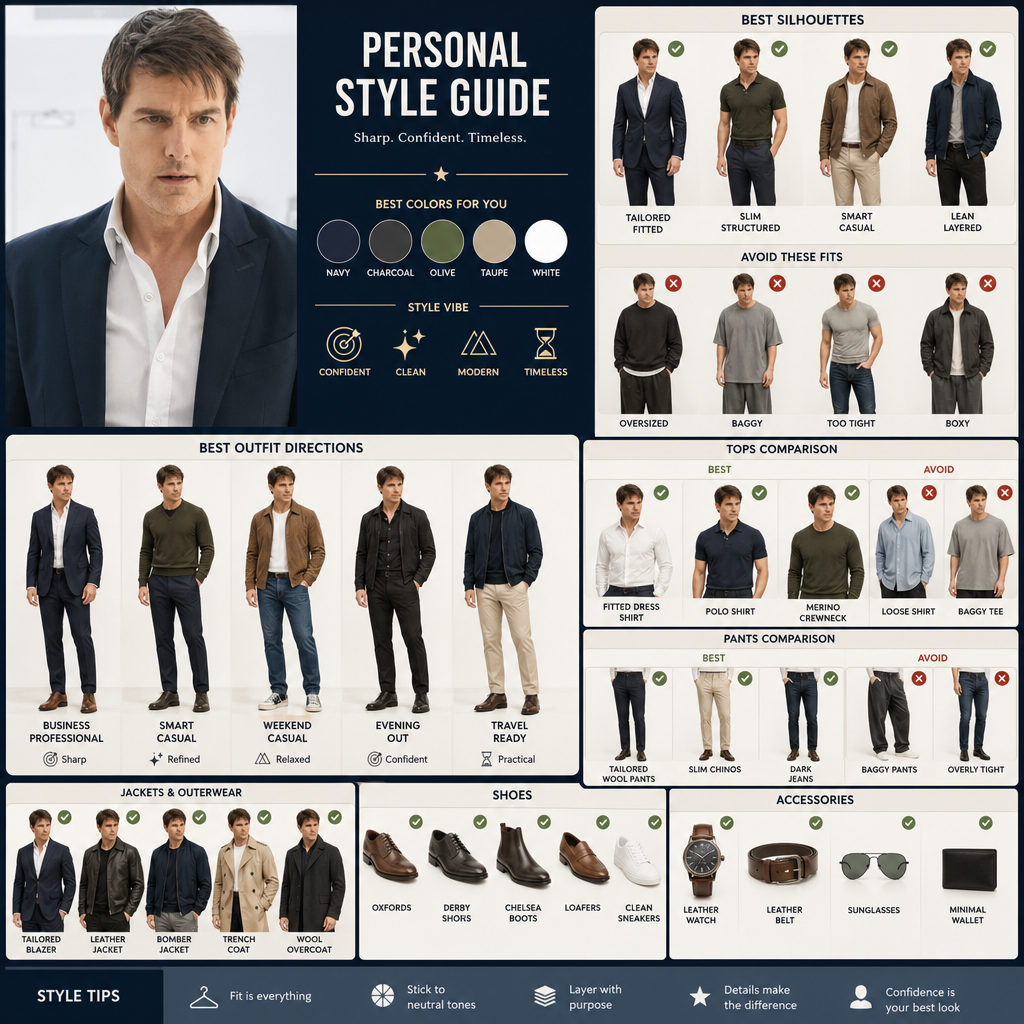
Upload a portrait, compare clothing silhouettes and styling directions, and find outfits that suit your proportions.
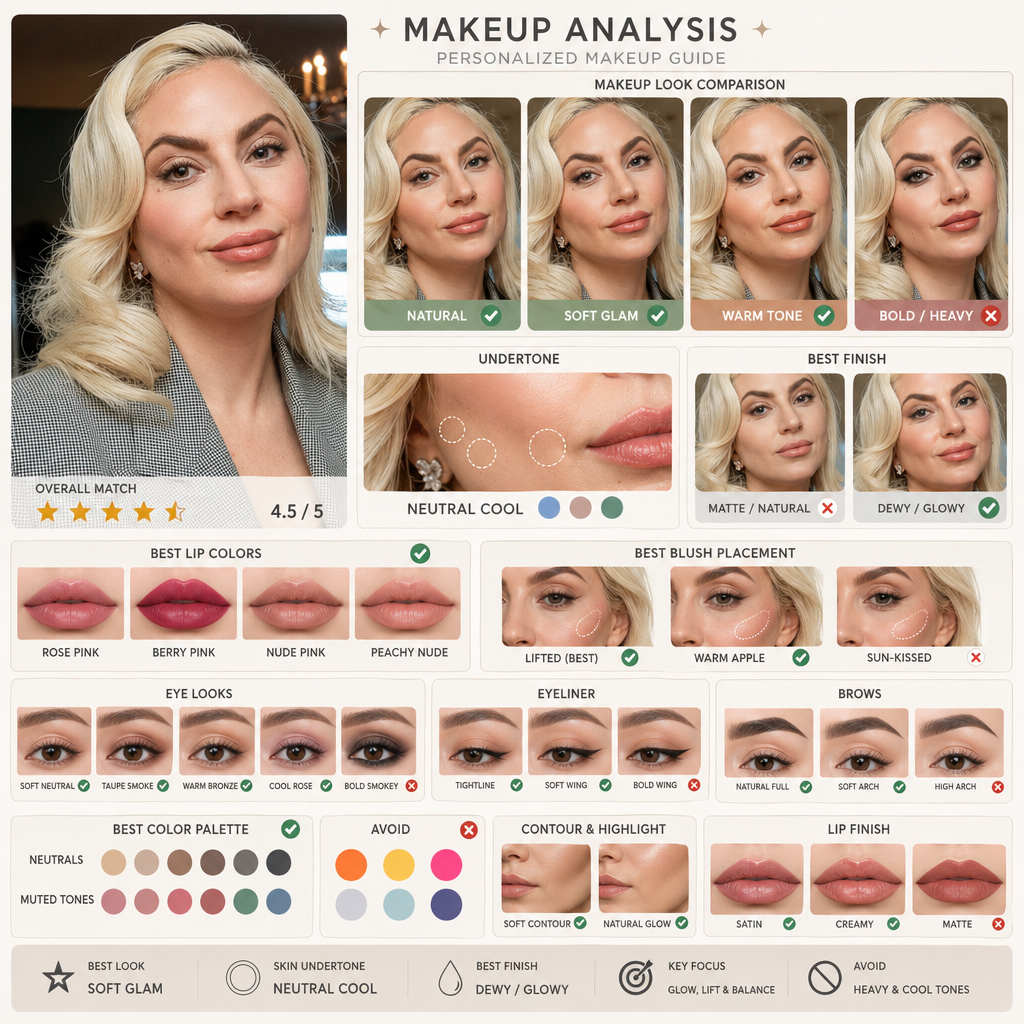
Upload a portrait, compare makeup directions and skin undertones with AI makeup, and find a look that fits you better.