Upload visual direction
Use the source image to provide scene, subject, color, or style direction, then expand it into a viewable panorama world.
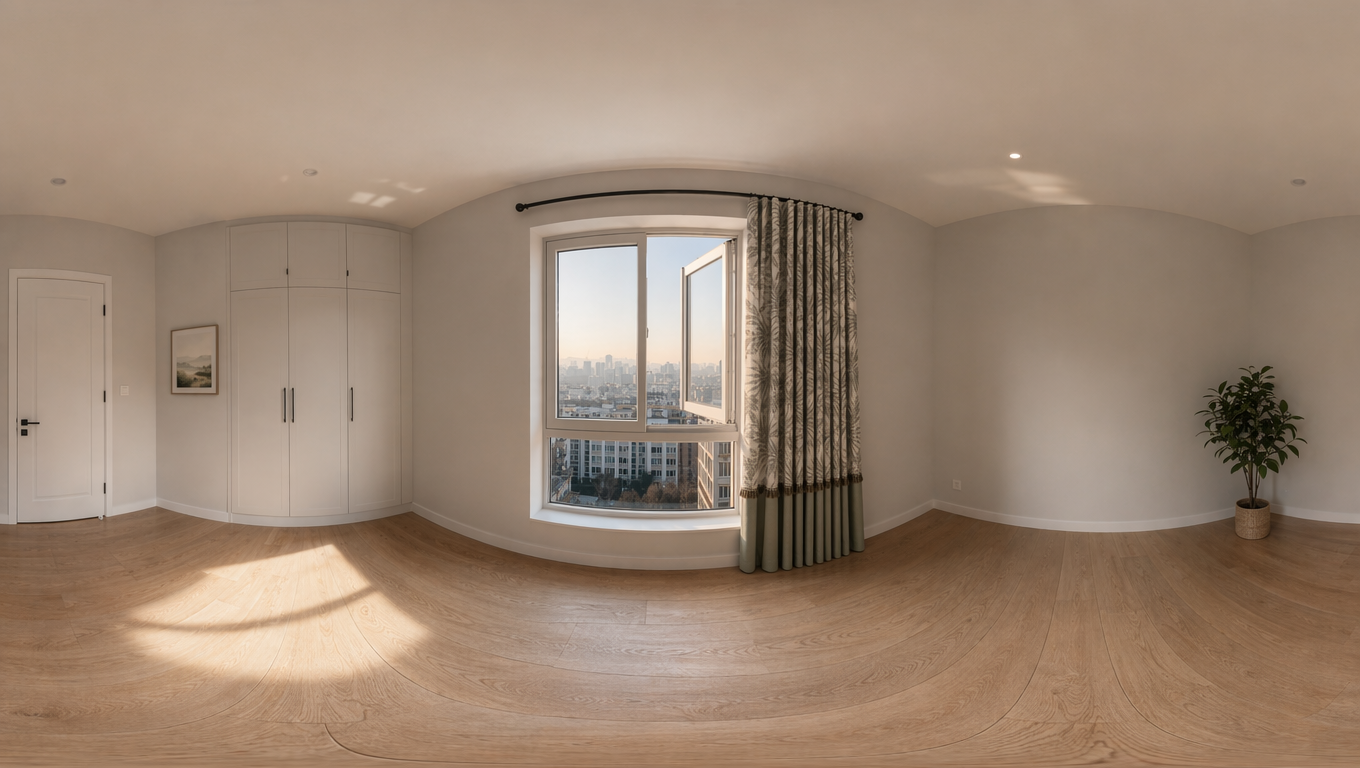
Upload a source image, choose resolution and quality, then use a fixed 360 prompt to generate a 16:9 equirectangular panorama.
Generated results open in a spherical 360 viewer with drag, zoom, auto-rotate, reset, and fullscreen controls instead of only showing a flat image.
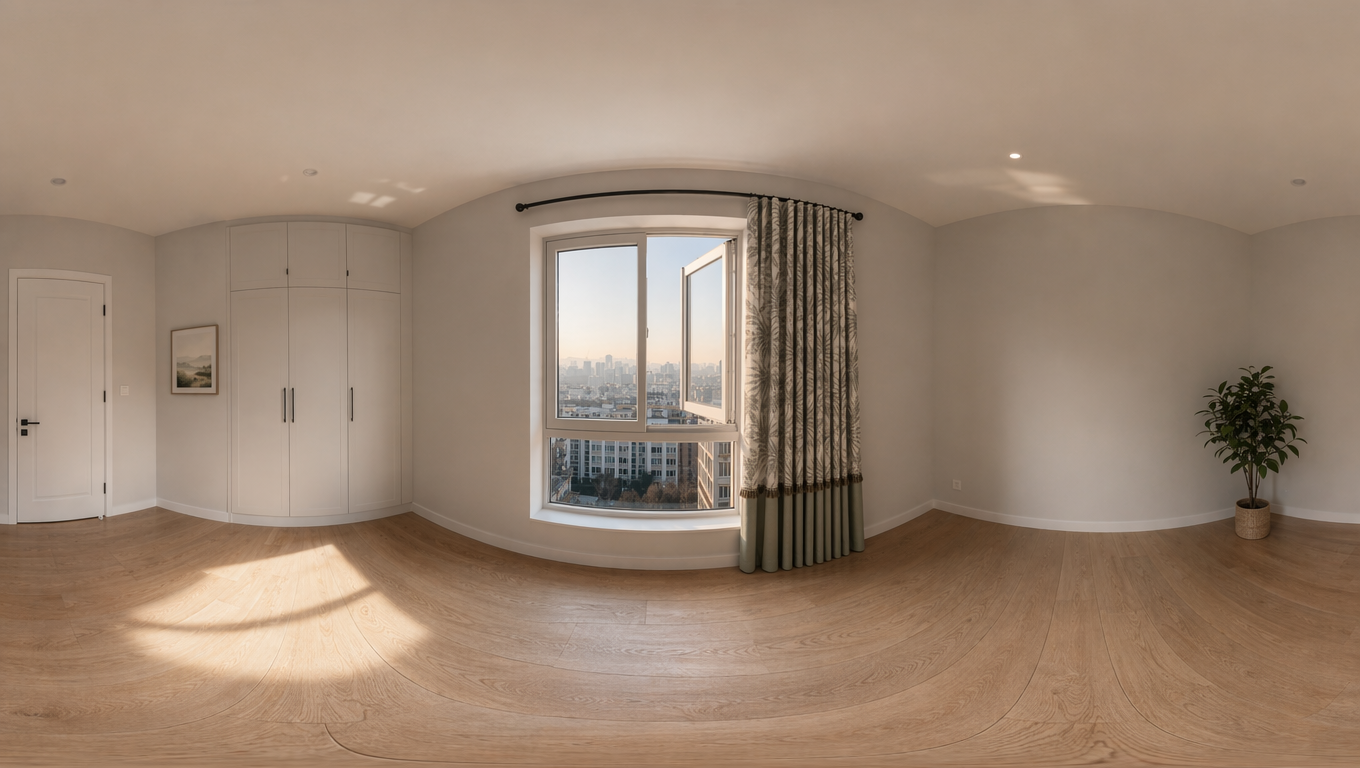
Generated images use an equirectangular panorama layout. Once complete, you can enter the 360 viewer to inspect the result.
This tool narrows the generation flow to one source image, a fixed 360 panorama prompt, a fixed 16:9 ratio, and a dedicated 360 viewer for inspecting results.
Use the source image to provide scene, subject, color, or style direction, then expand it into a viewable panorama world.
The workflow no longer asks users to choose an aspect ratio. Only resolution and quality remain, and all outputs use 16:9.
Click a completed image to open the spherical viewer with drag, zoom, rotation, and fullscreen inspection.
Here are the three latest tools besides the current one. Click a card to open it directly.
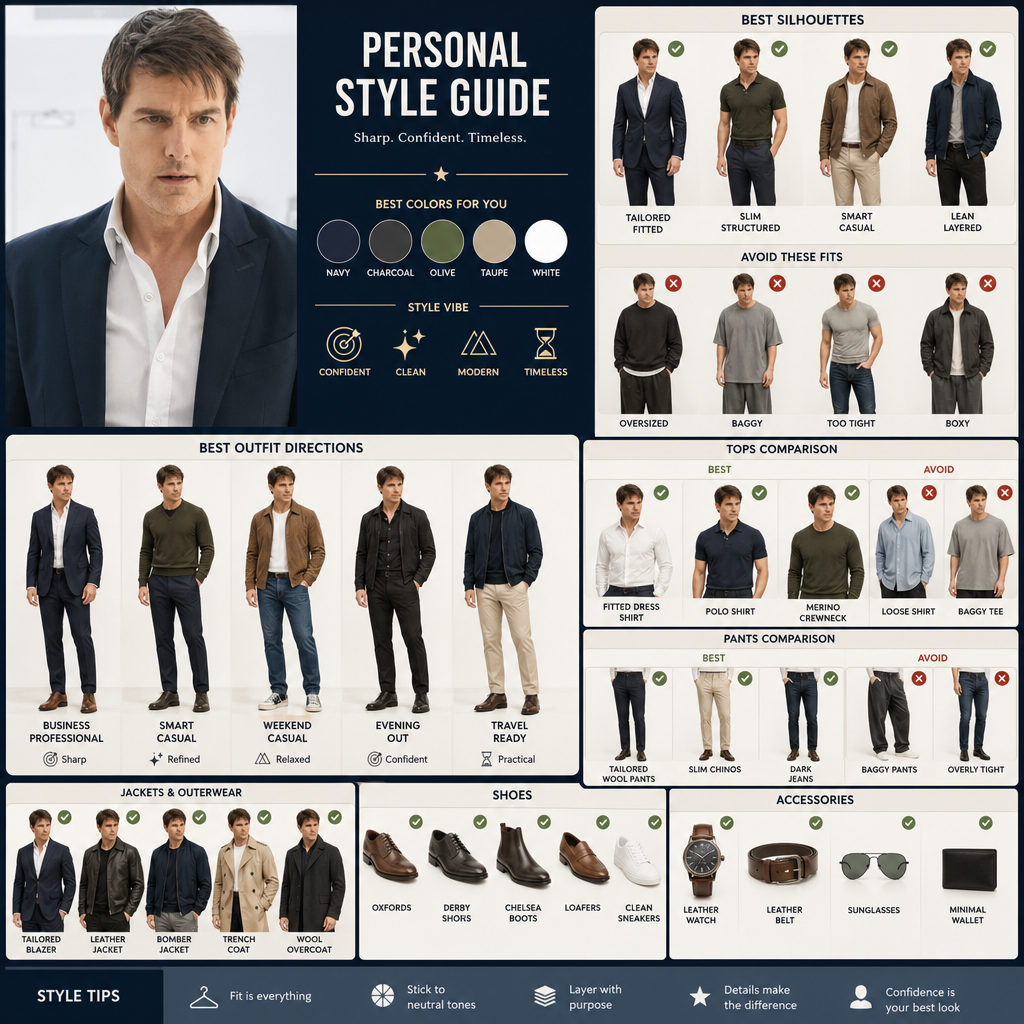
Upload a portrait, compare clothing silhouettes and styling directions, and find outfits that suit your proportions.
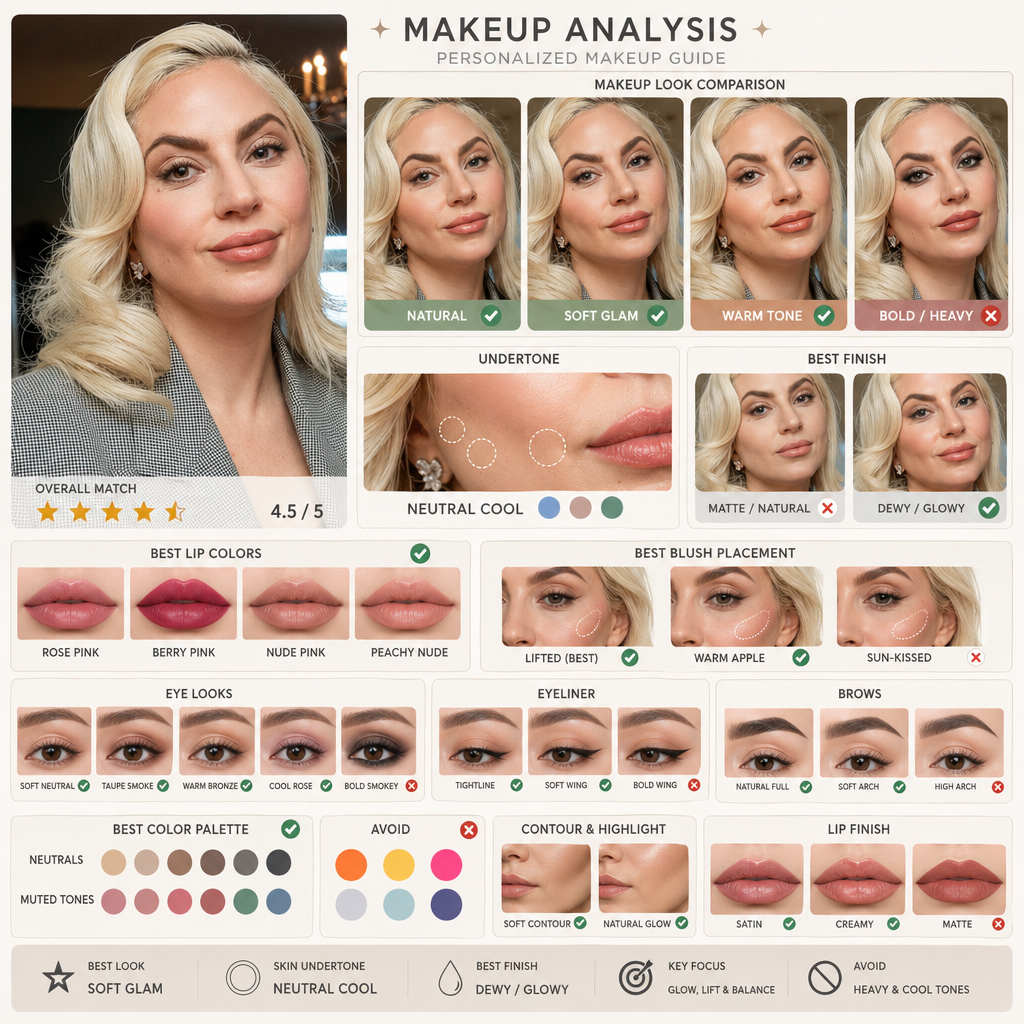
Upload a portrait, compare makeup directions and skin undertones with AI makeup, and find a look that fits you better.
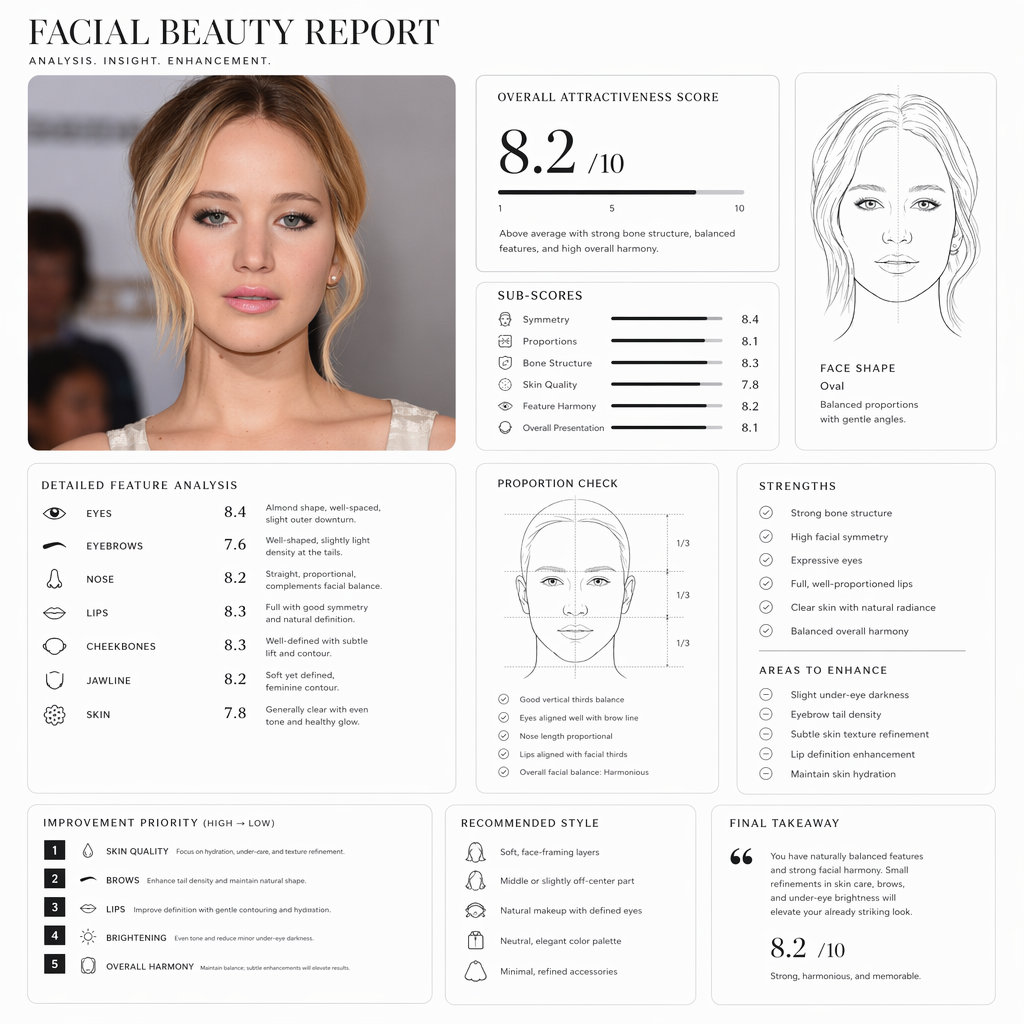
Upload a portrait and generate a Pretty Scale face rating report with proportions, face shape, and image suggestions.